


FDALabel Search Strategy Builder
Build Effective FDALabel Search Queries
This tool helps you construct precise queries for the FDA's drug labeling database using section filters, application types, and MedDRA terms.
Build Your Search
Select your search parameters to create an optimized query for FDALabel
Your Search Query
Search Term:
Sections:
Drug Type:
Application Type:
Pharmacologic Class:
MedDRA:
Estimated Results: Loading...
Search Tips
- Use specific terms like "acute liver failure" instead of "liver problems" for better results
- Combine search terms with AND (e.g., "liver failure AND boxed warning")
- Use MedDRA terms for precise adverse event searches
- Filter by application type to focus on brand-name or generic drugs
- Use pharmacologic classes like "SSRI" to find all drugs in that category
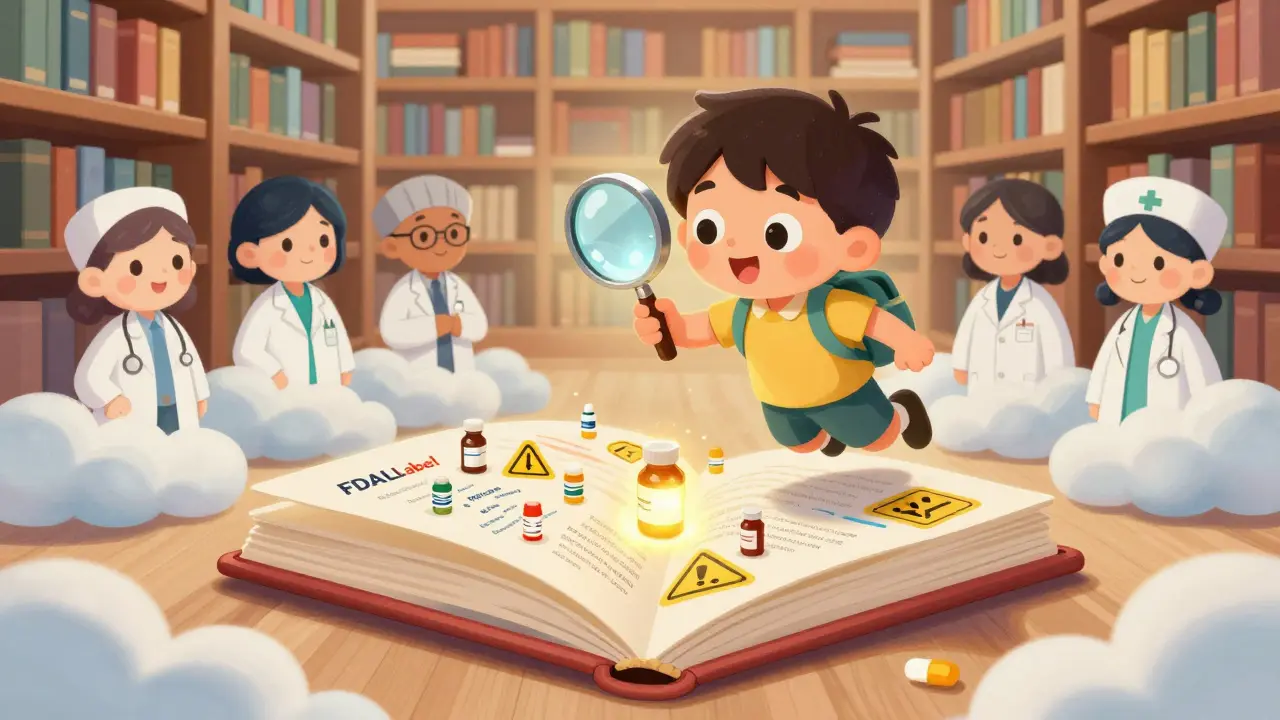
Every time a drug is approved in the U.S., its official labeling document - known as a Structured Product Labeling (SPL) - gets submitted to the FDA. These documents contain everything doctors need to know: dosing, side effects, warnings, interactions, and more. But with over 149,000 of them in the system, finding the right info manually is like searching for a needle in a haystack.
That’s where the FDALabel Database is a free, official FDA tool that lets you search the full text of all FDA-approved drug labels, including prescription, over-the-counter, biological, and animal drugs. It’s not just a directory - it’s a precision search engine built for regulatory accuracy.
What FDALabel Actually Does (And What It Doesn’t)
FDALabel doesn’t tell you if a drug is cheap or if it’s on backorder. It doesn’t show patient reviews or compare prices. What it does is give you direct access to the exact wording used in FDA-approved drug labels - the same text regulators and manufacturers use to make decisions.
Think of it as the original source code for how drugs are described to the public and professionals. If you need to know: Which drugs have a boxed warning for liver failure? or What’s the most common adverse reaction listed for this class of antidepressants? - FDALabel is the only public tool that answers those questions reliably.
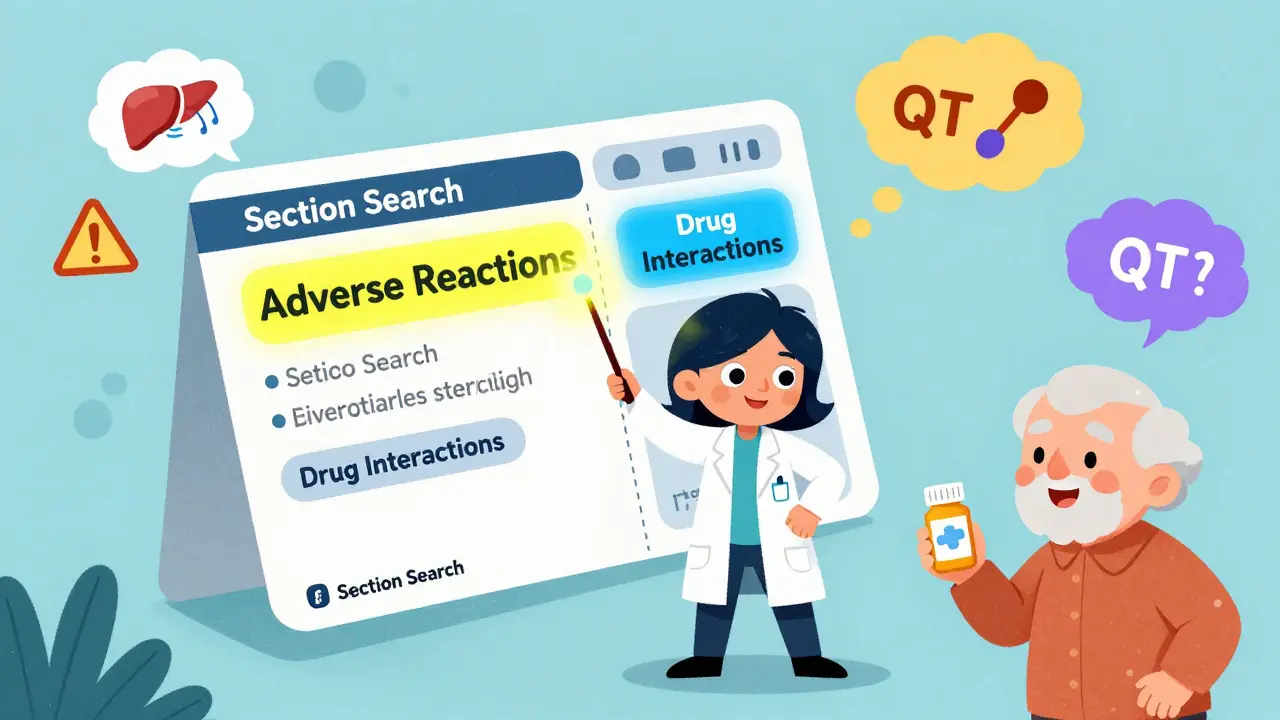
Unlike Drugs@FDA (which tracks approval dates and application types) or DailyMed (which shows labels but lacks deep search), FDALabel lets you search inside specific sections: Boxed Warnings, Adverse Reactions, Drug Interactions, and more. You can even search by MedDRA terms - the standardized medical language used to report side effects - so you can find all drugs linked to "hepatotoxicity" or "QT prolongation," even if the label uses slightly different phrasing.
Who Uses FDALabel - And Why
You don’t need to be a regulatory expert to use FDALabel, but you’ll get more out of it if you know why you’re searching.
- Pharmacists use it to verify interactions before dispensing multiple prescriptions - especially for elderly patients on 5+ drugs.
- Researchers mine it for patterns in adverse events. A 2023 study used FDALabel data with AI tools to spot rare side effects that were missed in clinical trials.
- Doctors check it when a patient reports an unusual reaction - to see if it’s documented in the official label.
- Pharma professionals study competitor labels to understand how similar drugs are described - what warnings they include, what language they avoid.
- Patients and caregivers use it to understand what’s really in the label - not just what’s summarized on a website.
One common use case: a nurse notices a spike in patients reporting dizziness after starting a new blood pressure med. Instead of guessing, she searches FDALabel for "dizziness" in the Adverse Reactions section of all drugs in that class. She finds 12 drugs with the same wording - and discovers the label only mentions it as "rare," but it’s actually reported in over 15% of cases in real-world use. That’s the kind of insight FDALabel gives you.
How to Search Like a Pro (Step-by-Step)
Start at www.fda.gov/fdalabeltool (or nctr-crs.fda.gov/fdalabel). No login. No cost. Just search.
- Choose your search type: Use "Full Text Search" for broad terms like "liver injury," or "Section Search" to target specific areas like "Boxed Warning" or "Drug Interactions."
- Narrow by category: Filter by Human Prescription, OTC, Animal Drug, or Biological Product. This cuts down noise - you won’t get animal drug results when looking for human meds.
- Filter by application type: NDA (New Drug Application), ANDA (Generic), or BLA (Biologic). This matters because generics often have identical labels to brand-name drugs.
- Use pharmacologic class: Type in "SSRI" or "SGLT2 inhibitor" to find all drugs in that class. This is huge for comparing safety profiles across a drug family.
- Use MedDRA terms: If you know the standardized term - like "hyperkalemia" or "anaphylaxis" - enter it directly. FDALabel maps common phrases to these terms automatically.
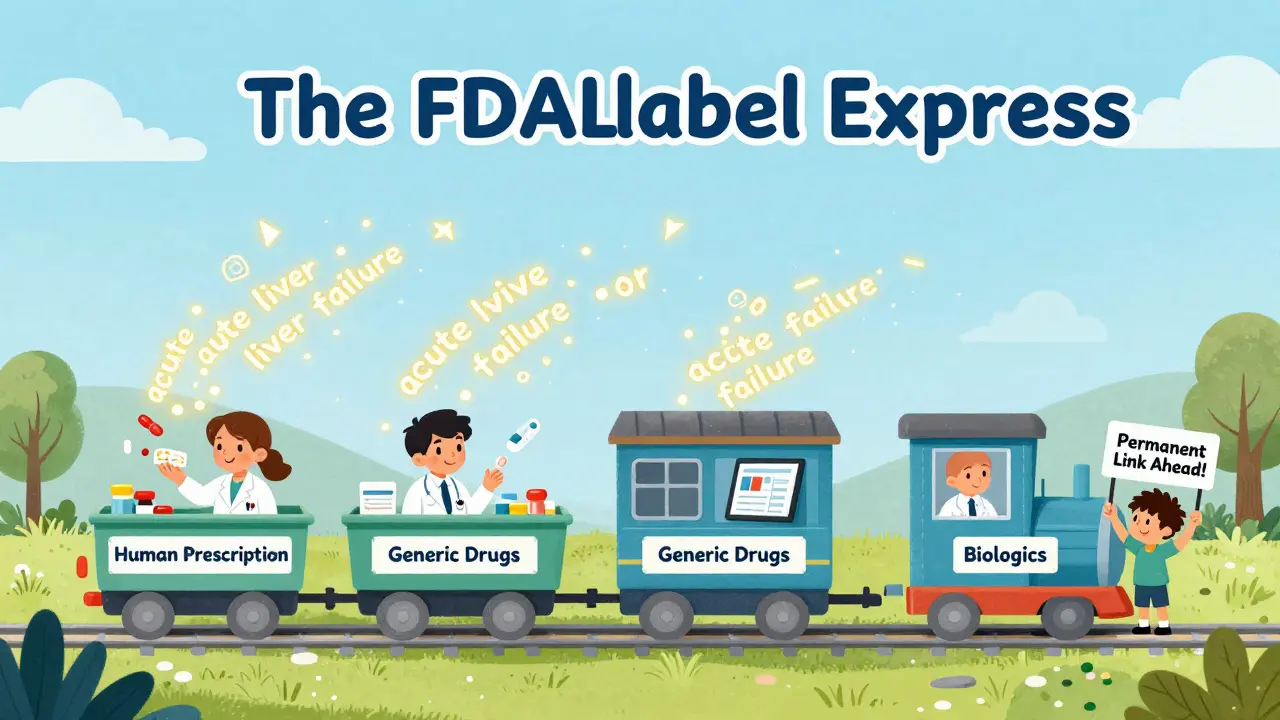
Try this: Search for "Human Prescription" and "NDA" and "acute liver failure" in "Boxed Warning". You’ll get 66 results - all drugs with that exact warning. Now click one. You’ll see the full label, with the warning highlighted.
Exporting and Saving Your Searches
Version 2.9 (released July 1, 2024) added two game-changing features: Excel export and permanent links.
Before, you could only export results as CSV - fine for basic lists, but messy if you wanted to sort or analyze. Now, you can export to Excel. The file comes with two tabs: one with the drug names, labels, and results; the second with metadata - including the exact search link you used. That means you can share your search with a colleague and they’ll see the same results, even months later.
Click the "Permanent Query Link" button after running a search. Copy the URL. Paste it into an email, a report, or your team’s shared drive. No more retyping complex filters. This is essential for compliance teams auditing labeling language across multiple products.
FDALabel vs. Other Tools
It’s easy to confuse FDALabel with other FDA tools. Here’s how they differ:
| Tool | Best For | Search Depth | Section-Specific Search? | MedDRA Support? | Export Options |
|---|---|---|---|---|---|
| FDALabel | Finding exact labeling language | Full text + sections | Yes | Yes | CSV, Excel |
| Drugs@FDA | Approval history, application status | Metadata only | No | No | None |
| DailyMed | Viewing current labels | Full text only | No | No | PDF only |
| Orange Book | Generic equivalence, patent info | Drug name and patent codes | No | No | CSV |
FDALabel is the only one that lets you drill into the actual language of the label. If you’re doing safety research, regulatory review, or clinical decision-making - this is your tool.
Limitations and What to Watch Out For
FDALabel isn’t perfect. It doesn’t include pricing, market share, or real-world usage data. It won’t tell you if a drug is being recalled tomorrow. And it doesn’t integrate with electronic health records.
Also, the interface assumes you know some regulatory jargon. "NDA"? "BLA"? "MedDRA"? If you’re new, the learning curve is real. But the FDA provides a Quick Start Manual with real examples - like how to search for "acute liver failure in Boxed Warning" - which cuts the confusion in half.
Another thing: labels aren’t always updated instantly. While FDALabel refreshes twice a month, some newer labels may take a few weeks to appear. For time-sensitive decisions, always cross-check with Drugs@FDA for the latest approval status.
How It’s Evolving
The July 2024 update wasn’t just about Excel exports. It was a sign the FDA is listening. The locked header on results pages? That was user feedback. The Excel option? Built because people said CSV was too clunky for analysis.
And the future? Researchers are already combining FDALabel with AI. A project called "AskFDALabel" uses large language models to interpret search results and answer natural language questions like: "Which drugs carry the highest risk of kidney injury in elderly patients?" The system pulls data from FDALabel, then uses AI to summarize and rank results - making complex queries accessible even to non-experts.
Expect more AI integration. More visualization tools. Possibly even integration with clinical decision support systems down the line. But for now, FDALabel remains the most powerful, accurate, and free tool for digging into the real text behind every FDA-approved drug.
Final Tip: Bookmark the Link
If you work with drugs - even occasionally - FDALabel should be bookmarked. It’s not flashy. It doesn’t have a mobile app. But it’s the most reliable source of truth for what’s officially written on the label. And in healthcare, that’s worth more than any app.
Save your searches. Export your results. Share the links. Use MedDRA terms. Filter by section. And always trust the label - not the summary.
Is FDALabel free to use?
Yes, FDALabel is completely free. No registration, no subscription, no fees. It’s funded and maintained by the U.S. Food and Drug Administration as a public resource.
How often is FDALabel updated?
The database is updated twice a month, pulling new and revised drug labels directly from the FDA’s SPL archive. While most updates appear within 2-3 weeks of submission, some may take longer depending on processing timelines.
Can I search for generic drugs in FDALabel?
Yes. FDALabel includes all approved drugs - brand-name, generic, and biosimilars. You can filter by application type (ANDA for generics) or search by active ingredient to find all versions of a drug.
What’s the difference between FDALabel and DailyMed?
DailyMed displays drug labels in a readable format but only allows basic keyword searches. FDALabel lets you search within specific sections (like Boxed Warnings), filter by drug class, use MedDRA terms, and export results in Excel. FDALabel is built for deep analysis; DailyMed is built for quick viewing.
Do I need to know MedDRA to use FDALabel?
Not to start, but it helps. You can search using plain language like "seizures" or "rash," and FDALabel will match them to standard MedDRA terms. But if you’re doing advanced safety research, learning MedDRA terms like "convulsion" or "urticaria" gives you more precise results.
Can I use FDALabel for clinical decisions?
Yes - but as a reference, not a replacement. FDALabel gives you the official labeling, which is the gold standard for prescribing information. Always combine it with patient history, lab results, and clinical judgment. It’s a tool for verification, not diagnosis.
Is FDALabel accessible on mobile?
Yes. FDALabel works on any modern browser, including smartphones and tablets. While there’s no dedicated app, the interface is responsive and functions well on mobile devices. For quick checks, you can use the search function on the go.
10 Comments
I’ve been using FDALabel for my pharmacy work for years, and it’s saved my butt more times than I can count. Especially when double-checking interactions for elderly patients on 10+ meds. No fluff, no ads, just the raw label text. It’s boring, but it’s trustworthy.
Bookmark it. Share it. Use it.
Also, the Excel export in v2.9? Game changer.
im not sure if i got this right but FDALabel is the only place where you can search for like... actual medical terms like 'hepatotoxicity' and it finds every drug that mentions it even if they say 'liver damage' or 'liver injury'? that sounds too good to be true. i thought the fda was all paper and slow.
also i spelled 'hepatotoxicity' wrong the first time. oops.
As a regulatory affairs professional, I can confirm that FDALabel is the only publicly accessible tool that provides verbatim access to the exact language used in FDA-approved labeling. This is critical for compliance, litigation support, and cross-label benchmarking.
The MedDRA integration, while underutilized by non-specialists, is a sophisticated feature that enables precise pharmacovigilance queries. The recent Excel export functionality significantly enhances its utility for data analysis workflows.
For those unfamiliar with regulatory terminology, the FDA’s Quick Start Manual is an indispensable resource. I recommend it to every new hire.
Wow. So you’re telling me the FDA actually built something that’s useful? Who knew? I thought they only existed to delay generics and make pharma companies pay $2 billion to get a drug approved.
Anyway, yeah, FDALabel’s fine. But let’s be real - if you’re not using AI tools to parse it yet, you’re doing it wrong. I’ve seen interns with ChatGPT outperform seasoned pharmacists. Sad, but true.
Just wanted to say thanks for this post. Seriously. I’ve been a nurse for 18 years and I never knew FDALabel could do section searches until now. I used to just Google stuff and hope for the best. Now I know where the real info lives.
And hey - if you’re a patient or caregiver reading this? Don’t trust the summary on WebMD. Go straight to the label. It’s not scary, it’s just… honest.
Keep sharing tools like this. We need more of them. 🙏
Can you clarify how MedDRA term mapping works under the hood? Is it based on exact string matching, ontological hierarchy, or a hybrid approach? I’m curious about the NLP pipeline behind the synonym resolution - especially for terms like 'dizziness' mapping to 'vertigo' or 'lightheadedness'.
Also, are there any publicly available mappings between MedDRA preferred terms and their corresponding SNOMED CT equivalents in FDALabel? This would be valuable for interoperability research.
Free? No ads? No sign-up? Bloody brilliant. The UK’s got nothing like this. We’re still stuck with NHS pages that say ‘consult your GP’ and nothing else.
Hope the FDA keeps it this simple. Don’t mess with perfection.
bro this is the real deal. i was just trying to find out if my blood pressure med causes dizziness and i found 12 others that do too. i was like… wait, why is this not on the bottle?
also i just exported my whole search to excel and made a chart. i feel like a hacker now. 🤖💊
if you’re not using this, you’re living in the dark ages.
Why does the US even have this? Other countries don’t. We’re just better. End of story.
Oh, so the FDA built something that’s actually useful? How quaint. I suppose we should all be grateful they didn’t turn it into a subscription service with pop-ups and AI chatbots selling us weight loss pills.
Still, I’m shocked they didn’t outsource this to a Silicon Valley startup. Probably because even they couldn’t figure out how to monetize truth.