
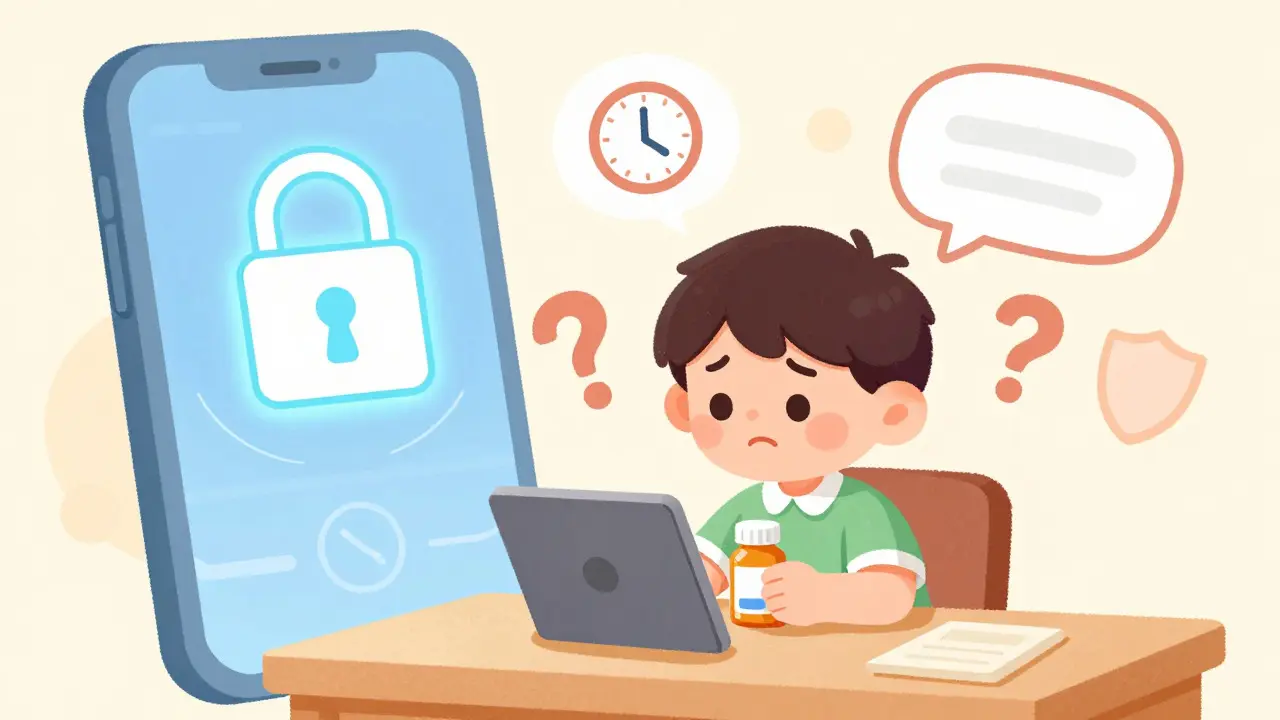
Ever stared at a pill bottle, confused about whether to take it with food or if that new rash is actually from the drug? You might be tempted to text your doctor on WhatsApp or send a quick email. But here’s the catch: doing so can accidentally expose your private health data. Secure messaging is a HIPAA-compliant digital channel designed specifically for exchanging protected health information between patients and providers without risking data breaches. It’s not just a fancy feature; it’s the safest way to ask non-urgent medication questions while keeping your privacy intact.
Many people assume that any message sent to their doctor is safe. That’s a dangerous myth. According to recent enforcement data, over 70% of healthcare data breaches stem from unsecured channels like standard SMS or personal emails. Secure messaging solves this by using end-to-end encryption, ensuring that only you and your care team can read what you write. If you’ve ever wondered how to properly communicate about your prescriptions without waiting on hold for an hour, this guide breaks down exactly how it works, what to include, and when to skip it entirely.
Why Secure Messaging Beats Phone Calls for Meds
Phone calls are great for emergencies, but they’re clunky for simple questions. Did you forget if your blood pressure medication should be taken in the morning or evening? Do you need a refill for your thyroid pills? Calling for these minor details often means holding for 20 minutes, only to be told to "take it as prescribed." Secure messaging flips this dynamic. It creates a documented trail of your question and the provider’s answer, which is invaluable if you ever need to reference that advice later.
Research shows that when secure messaging replaces phone calls for non-urgent medication inquiries, medication-related adverse events drop by roughly 37%. Why? Because written communication reduces misunderstandings. When a pharmacist or nurse replies in writing, you can re-read it, check the dosage again, and even show it to a family member. There’s no risk of mishearing a number like "5 mg" versus "50 mg." For complex regimens, this clarity is a game-changer.
| Feature | Secure Messaging | Standard Phone Call | Personal Email/SMS |
|---|---|---|---|
| Privacy Security | HIPAA Compliant (Encrypted) | Verbal Only (No Record) | High Risk of Breach |
| Response Time | 24-72 Hours | Immediate to 1 Hour | Unpredictable |
| Documentation | Permanent Digital Record | None (Unless Noted in Chart) | Insecure/Unofficial |
| Best For | Dosage, Side Effects, Refills | Urgent Symptoms, Clarifications | Non-Medical Admin Queries |
The 5-Step Process for Asking Medication Questions
Using a patient portal isn’t rocket science, but there is a specific workflow that ensures your message reaches the right person quickly. Most major platforms, including Epic MyChart and Cerner HealtheIntent, follow a similar structure. Here is how to navigate it effectively.
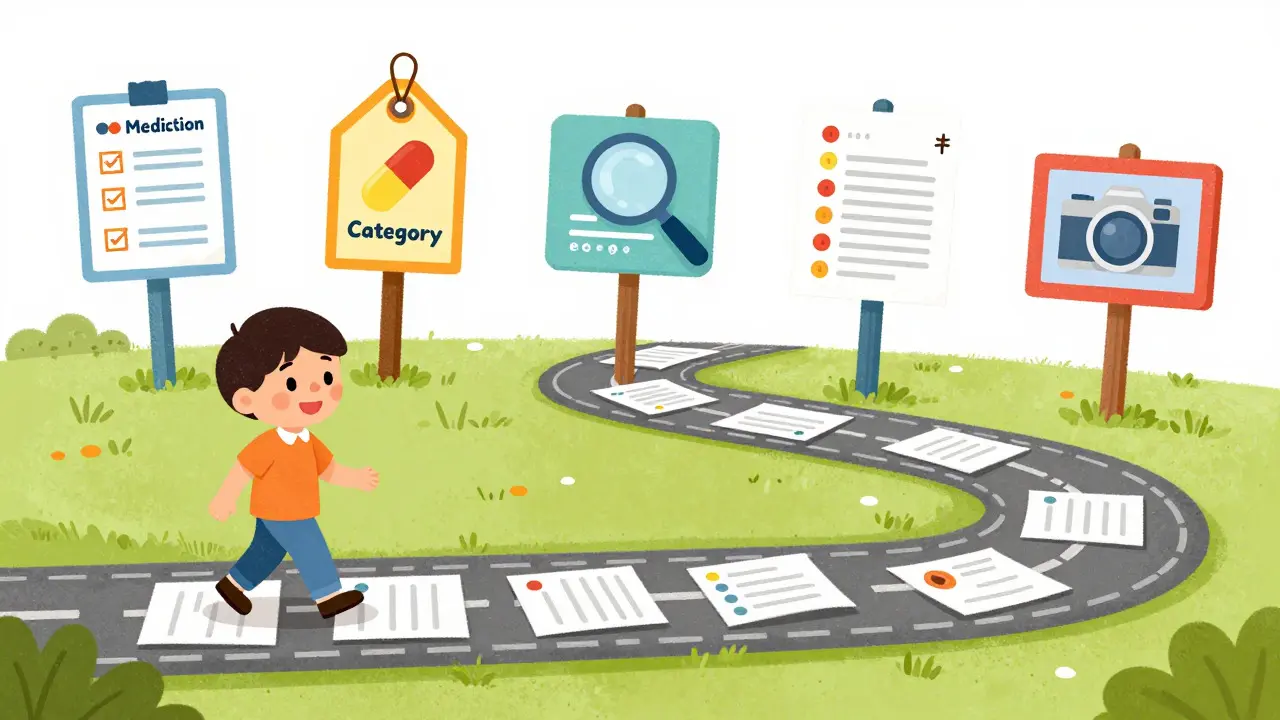
- Update Your Medication List First. Before sending any message, go to the "Medications & Allergies" section of your health record. Add every current prescription, including over-the-counter drugs if relevant. This step takes only two to five minutes but reduces medication errors significantly. If your list is outdated, your provider might give advice based on old data.
- Select the Correct Message Category. Don’t just hit "Send Message." Look for a dropdown menu or tag that says "Medication," "Pharmacy," or "Refill." This routes your query directly to the pharmacy team or prescribing clinician, bypassing general administrative staff who can’t answer clinical questions.
- Craft a Specific Subject Line. This is where most patients fail. Instead of writing "Question," try "MEDICATION QUESTION - NON-URGENT: Lisinopril Dosage." Including the word "NON-URGENT" helps triage teams prioritize your message correctly, reducing the chance it gets buried under emergency alerts.
- Include Key Details in the Body. Be precise. Mention the brand name and generic name if you know them, the dosage strength (e.g., 10mg), and the frequency (e.g., once daily). State your specific question clearly. For example: "I started taking Atorvastatin 20mg last week. I have mild muscle cramps. Should I stop taking it?"
- Attach Photos if Needed. If you are reporting a side effect like a rash, attach a clear photo of the area. Many platforms now allow image uploads. This gives your provider visual context without needing to schedule an appointment just to see a small mark.
What to Include (and What to Leave Out)
Your goal is to make it as easy as possible for a busy clinician to answer your question. Think of it like a well-written email to a colleague. Vague messages get vague answers. Specific messages get fast, accurate responses.
Experts recommend including the exact medication name, dosage strength, and frequency in the subject line or first sentence. This reduces the cognitive load on the provider, allowing them to pull up your chart and answer immediately rather than guessing which drug you mean. If you are reporting an adverse reaction, consider including the lot number from the pill bottle if visible. While this sounds technical, it helps pharmacists track batch-specific issues.
On the other hand, avoid rambling. Stick to one main question per message. If you have three different concerns, send three separate messages or use the portal’s multi-topic feature if available. Also, remember that secure messaging is for non-urgent issues. If you are having trouble breathing, chest pain, or signs of anaphylaxis, don’t wait for a reply. Call emergency services or go to the ER. Roughly 15% of patients mistakenly use secure messaging for urgent issues, leading to delayed treatment. Keep a mental note: if it feels life-threatening, pick up the phone.
Common Pitfalls and How to Avoid Them
Even with the best intentions, users make mistakes. The most common error is using personal email or WhatsApp to contact the practice. In 2023, a major health system was fined $3.2 million because staff used WhatsApp for medication coordination. Since then, compliance has tightened. Always use the official app or web portal provided by your healthcare organization.
Another pitfall is ignoring notifications. Many systems disable email notifications for medication messages to prevent PHI exposure. Instead, they send push notifications to your mobile device. Make sure your app permissions allow notifications. If you miss the alert, you might think your question was ignored, when in fact it was answered hours ago in the app.
Finally, don’t assume immediate response times. The standard turnaround for medication questions is 24 to 72 hours. While slower than a phone call, this trade-off buys you a permanent record and higher accuracy. If you haven’t heard back after 72 hours, it’s okay to send a polite follow-up or call the office to check status.
When to Skip Secure Messaging Entirely
Secure messaging is a powerful tool, but it’s not a universal solution. There are specific scenarios where it falls short.
- Time-Sensitive Emergencies: Severe allergic reactions, missed doses of critical meds (like insulin or blood thinners) with symptoms, or new severe pain require immediate human intervention. Use 911 or the ER.
- Complex Diagnostic Discussions: If your question requires interpreting new lab results or changing a treatment plan based on multiple factors, a video visit or in-person appointment is better. Secure messaging is for clarifying existing plans, not creating new ones.
- Insurance/Billing Questions: These are rarely handled by clinical teams via secure messaging. Contact the billing department directly through their dedicated portal or phone line.
Knowing when not to use secure messaging is just as important as knowing how to use it. It keeps the channel efficient for everyone involved.
Frequently Asked Questions
Is secure messaging really safer than texting my doctor?
Yes. Standard SMS texts are not encrypted end-to-end and can be intercepted or viewed on shared devices. Secure messaging uses AES-256 encryption and requires login credentials, ensuring that only authorized parties can access your medication history. This compliance with HIPAA protects your privacy legally and technically.
How long does it take to get a response to a medication question?
The typical response window is 24 to 72 hours. While this seems slow compared to a phone call, it allows clinicians to review your full chart before answering. To speed things up, ensure your medication list is up-to-date and use clear subject lines like "NON-URGENT MEDICATION QUESTION."
Can I request a prescription refill via secure messaging?
In most cases, yes. Many portals have a specific "Refill Request" button that automates this process. If you must send a message, specify the medication name, dosage, and quantity needed. Note that some maintenance medications may be auto-renewed without clinician intervention, depending on your health system's policies.
What if I don't have internet access at home?
You can use the mobile app on your smartphone, which works on cellular data. Most modern smartphones support the required iOS 14+ or Android 10+ versions. Alternatively, many clinics offer tablets or computers in the waiting area where you can log in to the portal during your visit.
Does my doctor see all my previous secure messages?
Yes, usually. Secure messages are integrated into your electronic health record (EHR). This means your primary care provider, specialists, and pharmacists within your care team can view the history. This continuity ensures that if you switch doctors, your medication questions and answers travel with you.